
The family agent that thinks ahead for you.
It spots what's left uncovered and asks who will handle it. For iPhone, Android and the browser, end-to-end encrypted. Free to start, no card required.
Family, profiles and invites
Everything in KidBox is “family-wide”: the family is created in a minute, the other parent joins with a link, and from then on you see the same things.
How it works
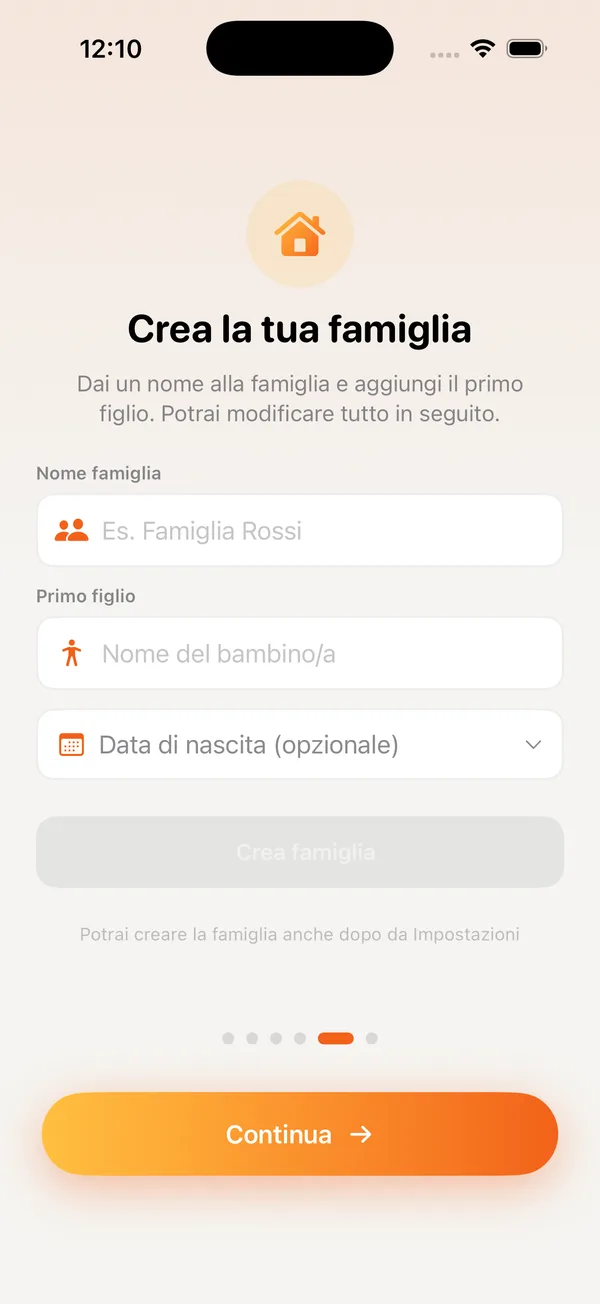
Create the family
Name, first child, your name: the wizard does the rest and generates the encryption key.
Invite your partner
A link to send or a QR to scan, valid 24 hours and once only: the key travels inside, wrapped.
Add the kids
A profile each, with date of birth and photo; health and school entries attach to the profile.
Frequently asked questions
Can I be in two families?
Yes, say a blended family and the grandparents: switch between them from Settings.
What if I lose my phone?
Sign in from another device: the family key is recovered from the account and data becomes readable again.
How many people can join?
There is no limit: parents, kids, grandparents, sitters and anyone who helps out, even on the Free plan. Plans only differ in storage space and AI messages.
Related tools
End-to-end encrypted family chat
A chat for the family only, end-to-end encrypted, with transcribed voice notes and a gallery of the media sent. No groups to manage.
Included in Free› 📅Shared family calendar
Everyone's commitments in one calendar, with month, week and day views. Whoever adds an event, the other parent sees it right away.
Included in Free› 🔐Family passwords with AutoFill
The Wi-Fi, the school portal, grandpa's account: family or personal credentials, encrypted, with AutoFill and a security check.
Included in Free›